
Usability testing overview
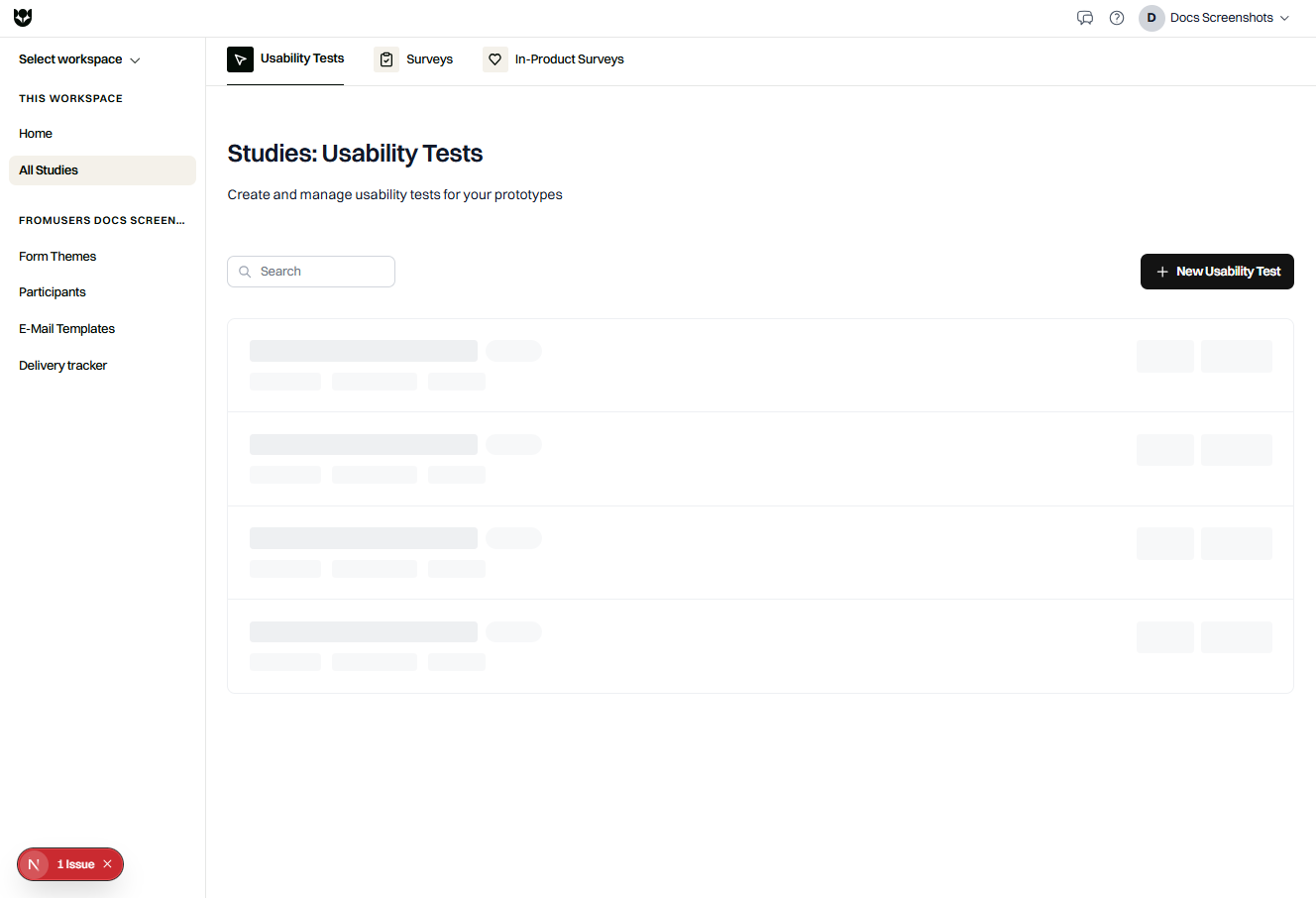
Unmoderated usability tests in FromUsers let participants complete tasks on a prototype or website while you capture behavior, answers, and optional recordings.
When to use usability tests
Section titled “When to use usability tests”- Validate navigation and task flows before engineering builds.
- Compare preference between design variants.
- Measure first click or five-second impression.
- Watch recordings of where people struggle.
- Combine tasks with follow-up questions in the same study.
If you only need opinions without a prototype, use a survey. If you need feedback inside the live product for real traffic, use an in-product survey.
Building blocks
Section titled “Building blocks”| Piece | Role |
|---|---|
| Prototype | The experience under test |
| Interactive tasks | Goal-based, free exploration, first click, five-second, preference |
| Success criteria | How success is judged (including success URLs for website tests) |
| Questions | Screener and follow-up content around tasks |
| Recording | Screen and/or participant video and audio |
| Devices | Allow desktop, tablet, and/or mobile |
| Distribution | Respond link, email, Prolific |
Coffee supports getting started with plan limits. Pro adds screen recording, advanced question types (card sort, tree test, MaxDiff, conjoint, file upload, video or audio response), AI, higher email volume, and participant import.
End-to-end flow
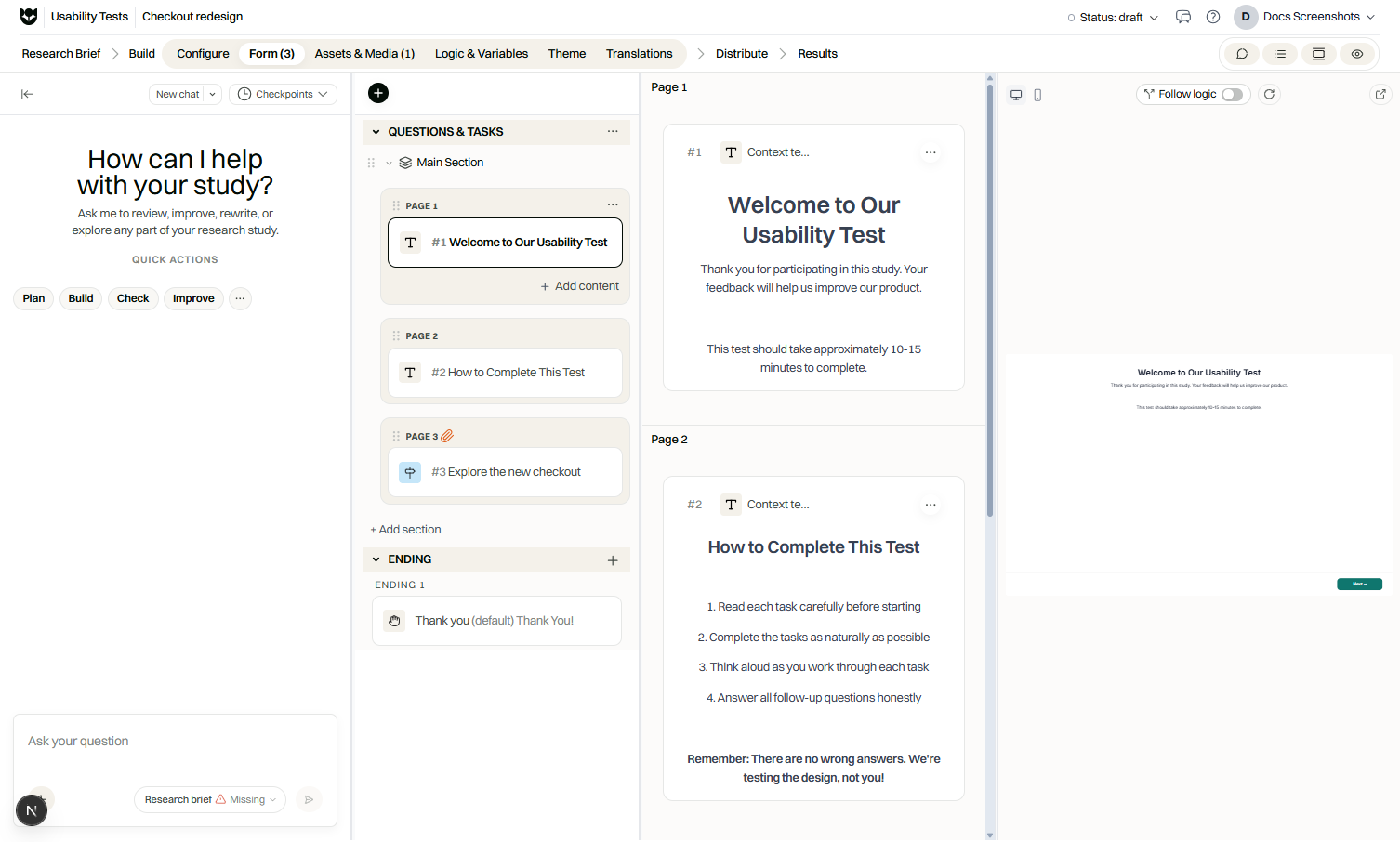
Section titled “End-to-end flow”- Create a usability test and name it.
- Connect or attach a prototype.
- Add tasks and success criteria.
- Configure recording and devices.
- Optionally prepare the website testing extension for advanced URL tracking.
- Preview and publish (set Live).
- Read results in Results Studio.
Interactive task types
Section titled “Interactive task types”| Task | Typical use |
|---|---|
| Goal-based | Complete a defined outcome |
| Free exploration | Browse without a single success path |
| First click | Where people click first for a prompt |
| Five-second | Brief exposure then recall or impression questions |
| Preference | Choose between options |
Recording and privacy
Section titled “Recording and privacy”Tell participants what you capture before they start. You can require or offer screen recording, participant camera and microphone, and transcription. Align consent copy with your legal pages and organization policy.
Devices
Section titled “Devices”Limit participation to the devices that match your product. If the prototype is desktop-only, disallow mobile so results stay interpretable.
Analysis highlights
Section titled “Analysis highlights”Results Studio surfaces task metrics, question answers, and recordings when present. Use filters by device and completion. On Pro and Custom, AI features can help summarize sessions.
Related
Section titled “Related”Common questions
What prototypes can I test?
Figma (connected with OAuth), ProtoPie, Adobe XD, a public URL, or an uploaded prototype. Pick the source that matches how your design team ships work.
Can I record the session?
Yes on supported plans. Capture screen, participant camera and microphone, or both, and optionally transcribe. Screen recording is a Pro capability.
Do participants install software?
They open a respond link in the browser. For some website tests you may ask them to use the FromUsers website testing extension for advanced URL tracking.
How is this different from a survey?
Usability tests center on interactive tasks and prototypes. Surveys focus on questionnaire answers without task success on a design.