
Participant samples
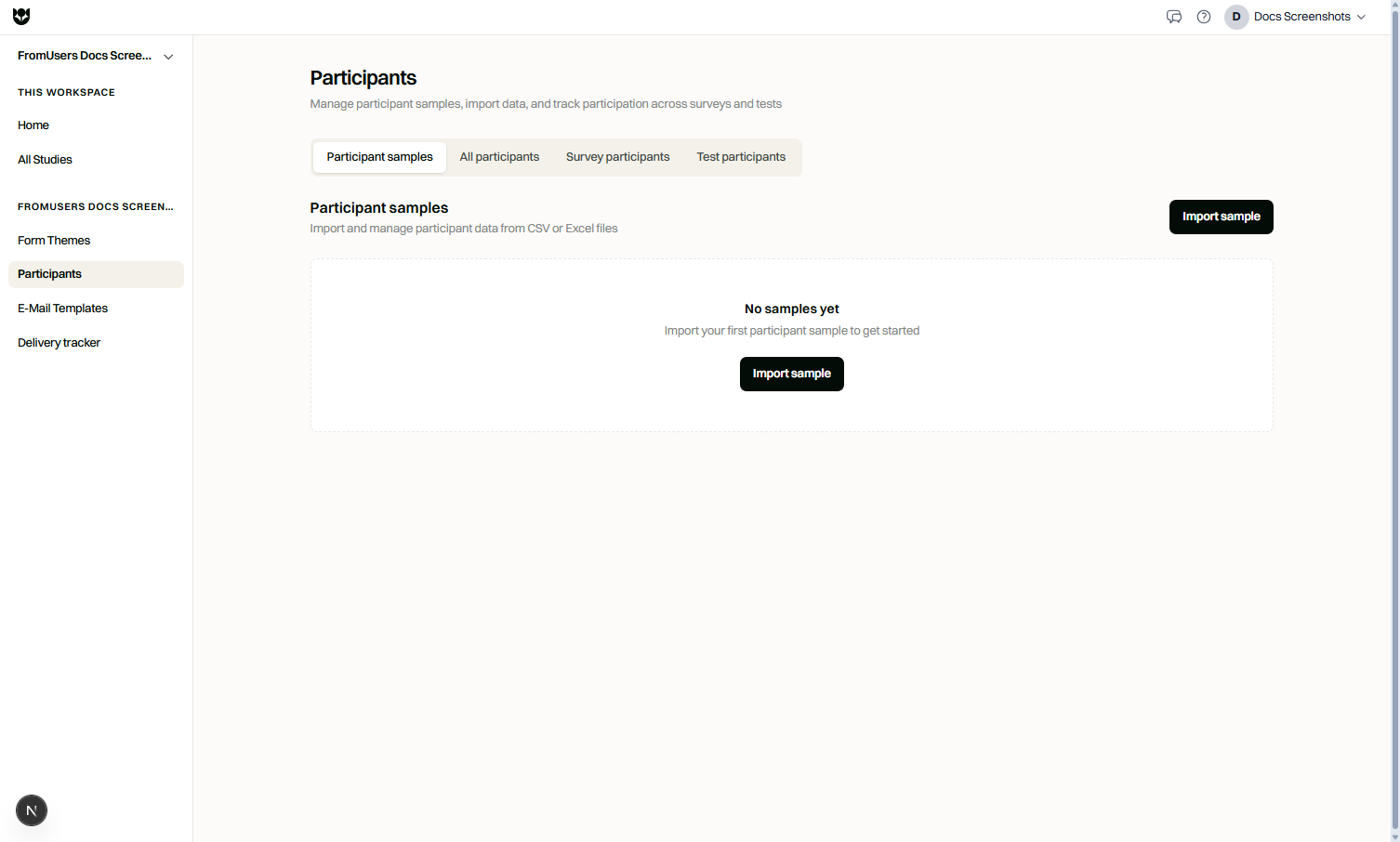
Participant samples are reusable contact lists you import for recruitment and personalization. Use them with email sendouts and as participant variables inside a study.
Plan requirements
Section titled “Plan requirements”Participant sample import is Pro. Upgrade to import CSV/Excel cohorts and use them in distribution flows.
When to use samples
Section titled “When to use samples”- Invite customers from a CRM export
- Run a longitudinal wave with a known cohort
- Pipe known attributes (plan, segment, name) into the study
- Combine with email templates for tracked invitations
How to import
Section titled “How to import”- Open Participants (or the distribution flow that uses samples).
- Create a new participant sample.
- Upload a CSV or Excel file.
- Map columns such as email, name, language, and custom attributes.
- Save the sample.
- Select it when creating an email sendout or when mapping participant variables.
File tips
Section titled “File tips”| Guidance | Why |
|---|---|
| Include a unique email per row | Delivery and dedupe depend on clean addresses |
| Use clear column headers | Easier variable mapping |
| Keep language codes consistent | Helps multilingual sendouts |
| Remove unused columns | Reduces mapping mistakes |
Using sample data in the study
Section titled “Using sample data in the study”Mapped fields can feed participant variables for:
- Piped greetings and personalized instructions
- Display logic and branching by segment
- Compare-asset or content conditions when you intentionally assign by known attributes
Limitations
Section titled “Limitations”- Samples do not replace panel targeting features such as Prolific filters.
- Bad emails still bounce. Monitor Message Tracker.
- Respect privacy and consent obligations for any list you upload.
Related
Section titled “Related”Common questions
Is participant sample import available on Coffee?
No. Importing participant samples is a Pro capability.
What file types can I upload?
CSV and Excel files are supported for sample import.
Can sample columns become variables?
Yes. Map sample fields to participant variables for piping and logic inside the study.