
Logic and randomization overview
Logic and randomization control what each participant sees and in what order. Use them to personalize paths, balance experiment groups, and compare prototypes without building separate studies.
When to use each tool
Section titled “When to use each tool”| Tool | Use it when | Typical outcome |
|---|---|---|
| Display logic | Content should appear only if a condition is true | Show or hide a question, page, or section |
| Branching | The next step should change based on answers | Skip ahead, jump to a section, or end the study |
| Variables and piping | You need reusable values in text or rules | Insert answers, URL params, or sample fields with {{name}} |
| Formulas | You need calculated values | Scores, segment labels, combined checks |
| Block randomization | Questions on a page should be shuffled or sampled | Reduce order bias inside a page |
| Section randomization | Pages or subsections should be shuffled or sampled | Rotate modules or show a random subset |
| Randomization groups | You need balanced A/B (or multi-arm) assignment | Stable study groups for analysis |
| Compare assets | Different prototypes should map to different groups | Same tasks, different designs per arm |
Quick decision guide
Section titled “Quick decision guide”- Same page, conditional visibility? Use display logic.
- Different next destination? Use branching.
- Reuse answers or external data in text or rules? Use variables and piping.
- Need a calculated value? Use formulas.
- Reduce order bias inside a page? Use block randomization.
- Rotate whole pages or subsections? Use section randomization.
- Assign people to balanced experiment arms? Use randomization groups.
- Show different prototypes per arm? Use compare assets.
How these pieces fit together
Section titled “How these pieces fit together”A common experiment flow looks like this:
- Assign a randomization group (for example Group A or Group B).
- Resolve variables (URL, participant sample, formulas).
- Show only the pages and questions that match display rules.
- Map the correct prototype with compare assets.
- Branch to follow-ups or an ending after key answers.
For recipes that combine these tools, see Experiment recipes. For the exact runtime order, see How rules are evaluated.
Where to configure
Section titled “Where to configure”- Questions: show/hide rules and skip/end branching after an answer.
- Pages: page display logic, block randomization, page-level compare assets.
- Sections: section display logic, section randomization, section branching, section compare assets.
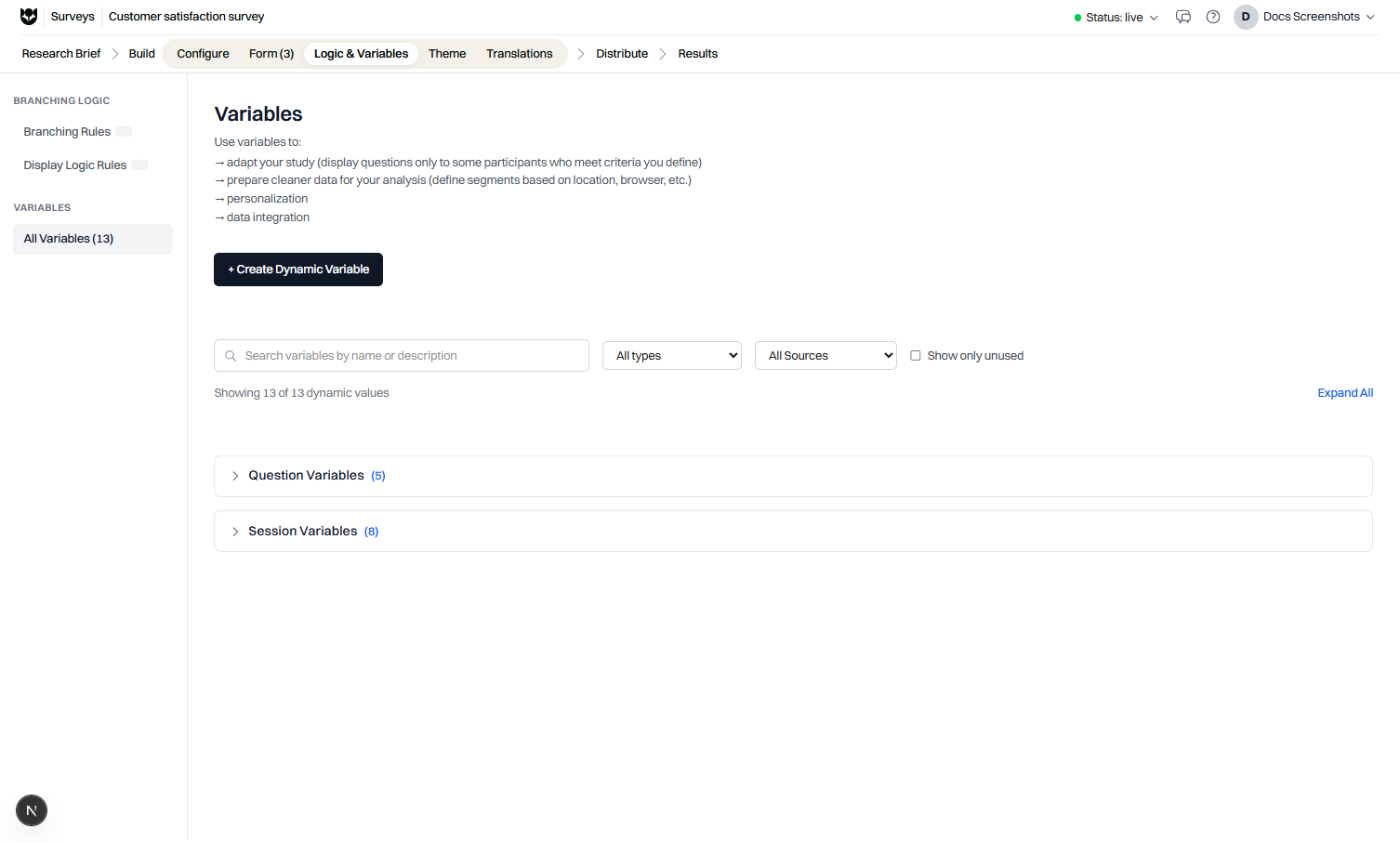
- Study logic: variables, formulas, and randomization groups used across the study.
Always preview after you change logic. Preview helps you verify paths. Live applies randomization and assignment for real participants.
Common questions
When should I use display logic instead of branching?
Use display logic to show or hide content on the current path. Use branching when the participant should jump to another page, section, or ending.
Can I combine randomization and display logic?
Yes. Randomization decides which pages or groups a participant sees. Display logic and branching can still filter questions inside that path.
Where do I configure logic in the builder?
Open the study editor and use the Logic tools on questions, pages, and sections. Variables and formulas live with the study logic settings.