
Preview and publish a survey
Preview validates logic and copy. Publishing moves the survey to Live so distribution channels collect real responses.
Preview
Section titled “Preview”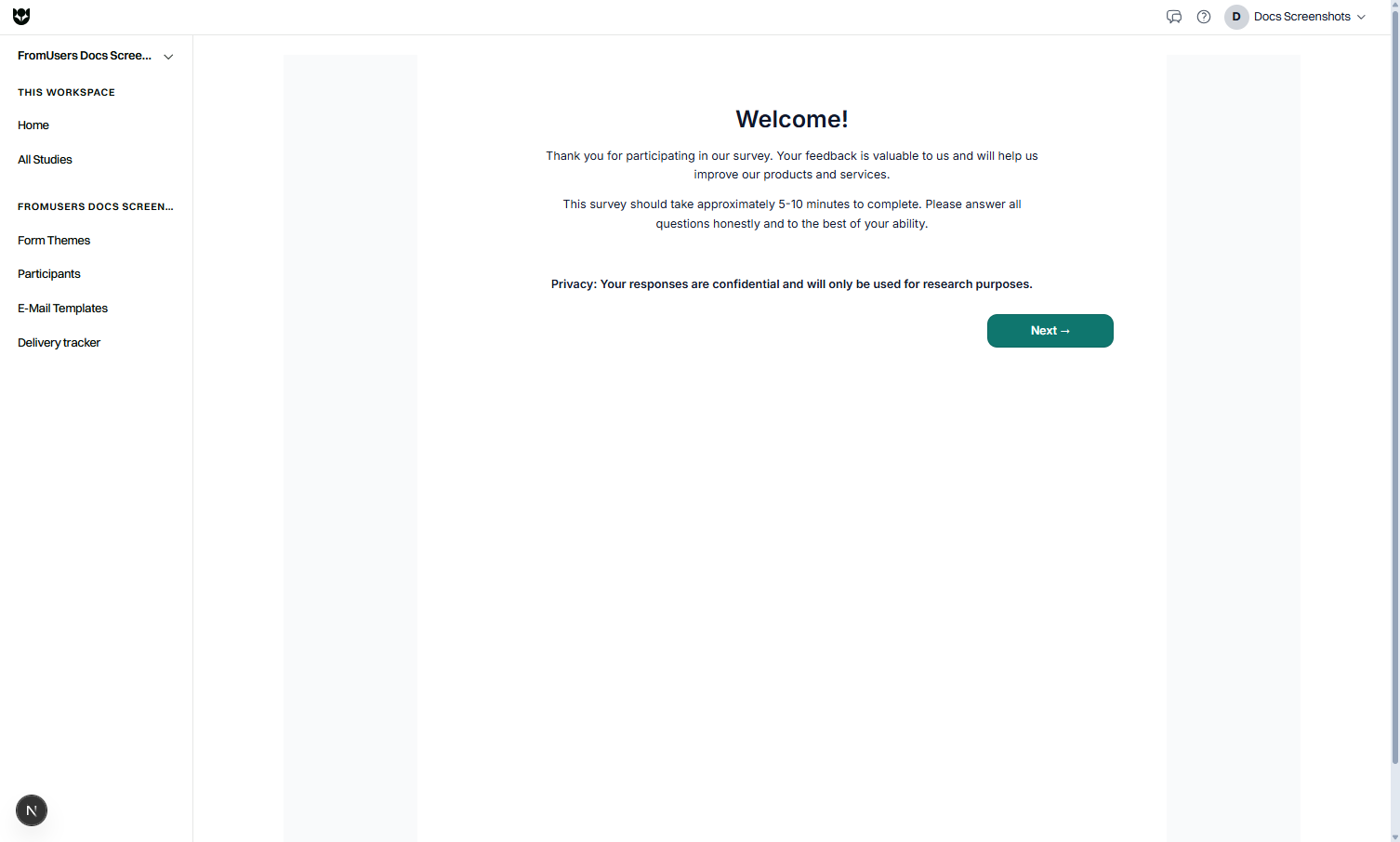
- Open Preview in the editor.
- Walk the happy path.
- Force each major logic branch (for example, promoters versus detractors).
- Fail the screener once and confirm the disqualified ending.
- Test on a phone-sized viewport.
- If prevent multiple responses is on, confirm the second attempt behaves as designed.
Preview checklist
Section titled “Preview checklist”- Required questions block Next until answered.
- Translations display for each locale you enabled.
- Branding matches the template.
- Legal pages appear where expected.
- Ending thank-you text is correct.
Publish
Section titled “Publish”- Finalize survey settings.
- Change status from Draft to Live.
- Copy the respond link.
- Distribute:
- Paste the link into your channels.
- Send email on Pro via Distribution.
- Launch on Prolific with the same respond link.
- Watch the first responses in Results Studio.
| Status | Meaning |
|---|---|
| Draft | Editing and preview |
| Live | Collecting |
| Paused | Temporary stop |
| Closed | Finished |
Soft launch tip
Section titled “Soft launch tip”Invite a small internal group first while Live, verify data in Results Studio, then share widely. Pause immediately if a question is wrong.
After publish edits
Section titled “After publish edits”Small copy fixes are common. Avoid renumbering or deleting questions mid-field if you already reported metrics. When structural changes are large, Pause, fix, preview, then return to Live.
Plan reminders
Section titled “Plan reminders”- Coffee: respect active study and response caps.
- Pro: email volume is 5,000 messages per seat per month.
- Viewers cannot publish. Admins and Members with Editable access can.
Related
Section titled “Related”Common questions
Is Draft visible to real participants?
Draft is for building and preview. Real collection starts when the survey is Live. Use preview links for internal review.
Can I Pause a Live survey?
Yes. Pause stops new responses temporarily. Closed ends the study when you are finished.
How do I share with Prolific?
Set the survey Live, then use your Prolific workflow with the respond link according to Prolific’s study setup.