
Shareable links
Shareable links are the simplest way to distribute surveys and usability tests. Copy a link from the study distribute panel and send it through any channel you already use.
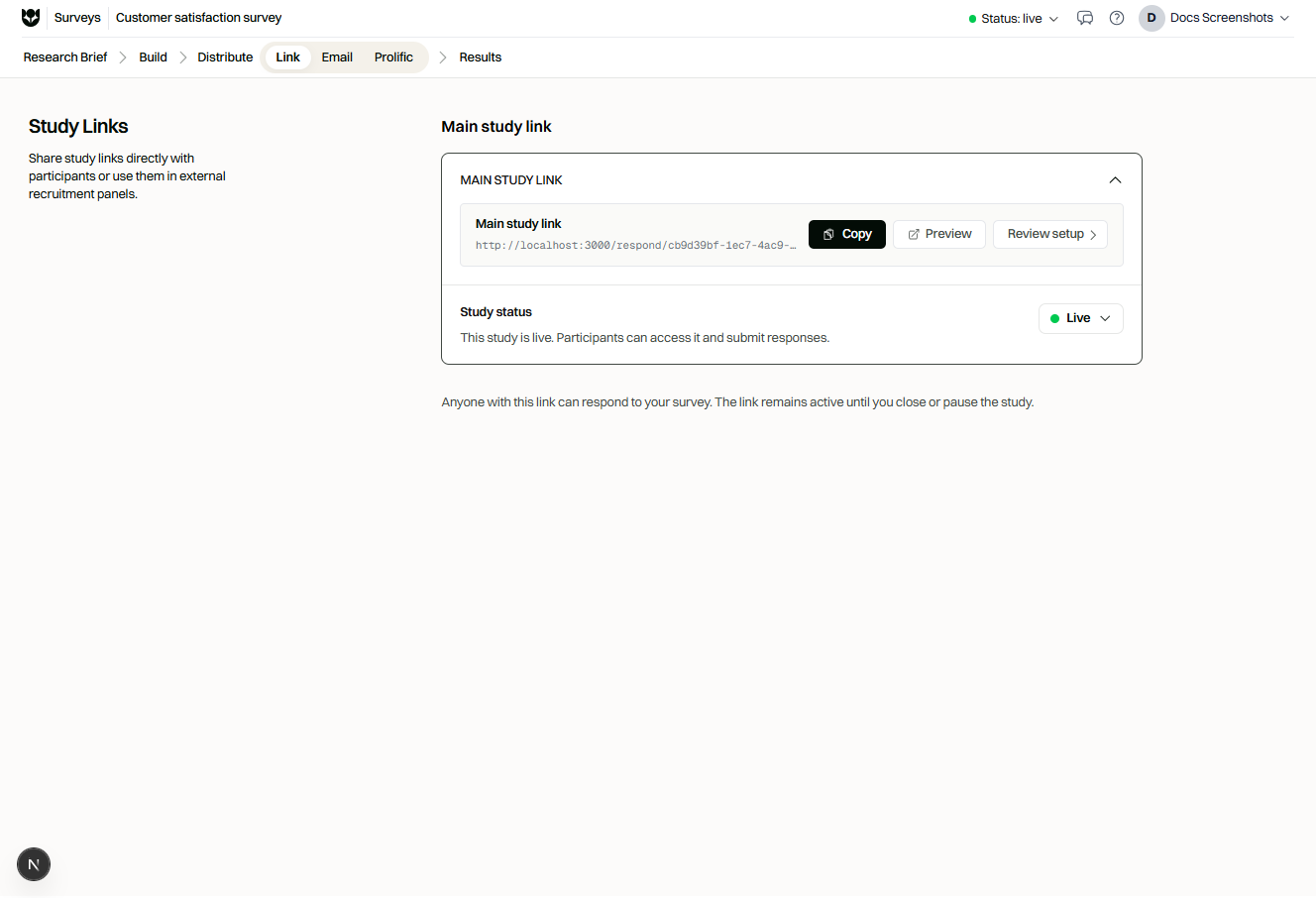
Respond link
Section titled “Respond link”The respond link is for real participants.
- Set the study status to Live.
- Open distribute / share for the study.
- Copy the respond link.
- Share it with your audience.
Responses from the respond link appear in Results Studio according to your study settings (including partial response settings).
Preview link
Section titled “Preview link”The preview link is for authors and stakeholders.
- Use it to verify content, logic, branding, and translations.
- Preview responses are for testing. Storage of preview responses depends on your study settings.
- Do not use preview links as your public recruitment URL.
Multilingual generic link behavior
Section titled “Multilingual generic link behavior”When a study has multiple languages, configure how the generic respond link starts:
| Setting | Behavior |
|---|---|
| Language selection | Participants choose a language first |
| Default language | Participants start in the project’s default language |
You can also:
- Share language-specific links for campaigns aimed at one locale
- Enable a language toggle so participants can switch during the session
See Participant language for in-product locale behavior.
- Shorten links only with tools that preserve query parameters you rely on (language, URL variables).
- Keep separate campaigns for separate URL variable values when running experiments.
- Re-copy links after major publish changes if your organization rotates study URLs.
Related
Section titled “Related”Common questions
What is the difference between preview and respond links?
Preview is for your team to test the study. Respond is for real participants after the study is Live.
How do multilingual generic links behave?
You can open the default language immediately, or show a language selection screen before the study starts.
Can I force a language on a campaign link?
Yes. Use a language-specific respond link (or language query parameter) for that campaign, separate from generic link behavior.