
Email templates
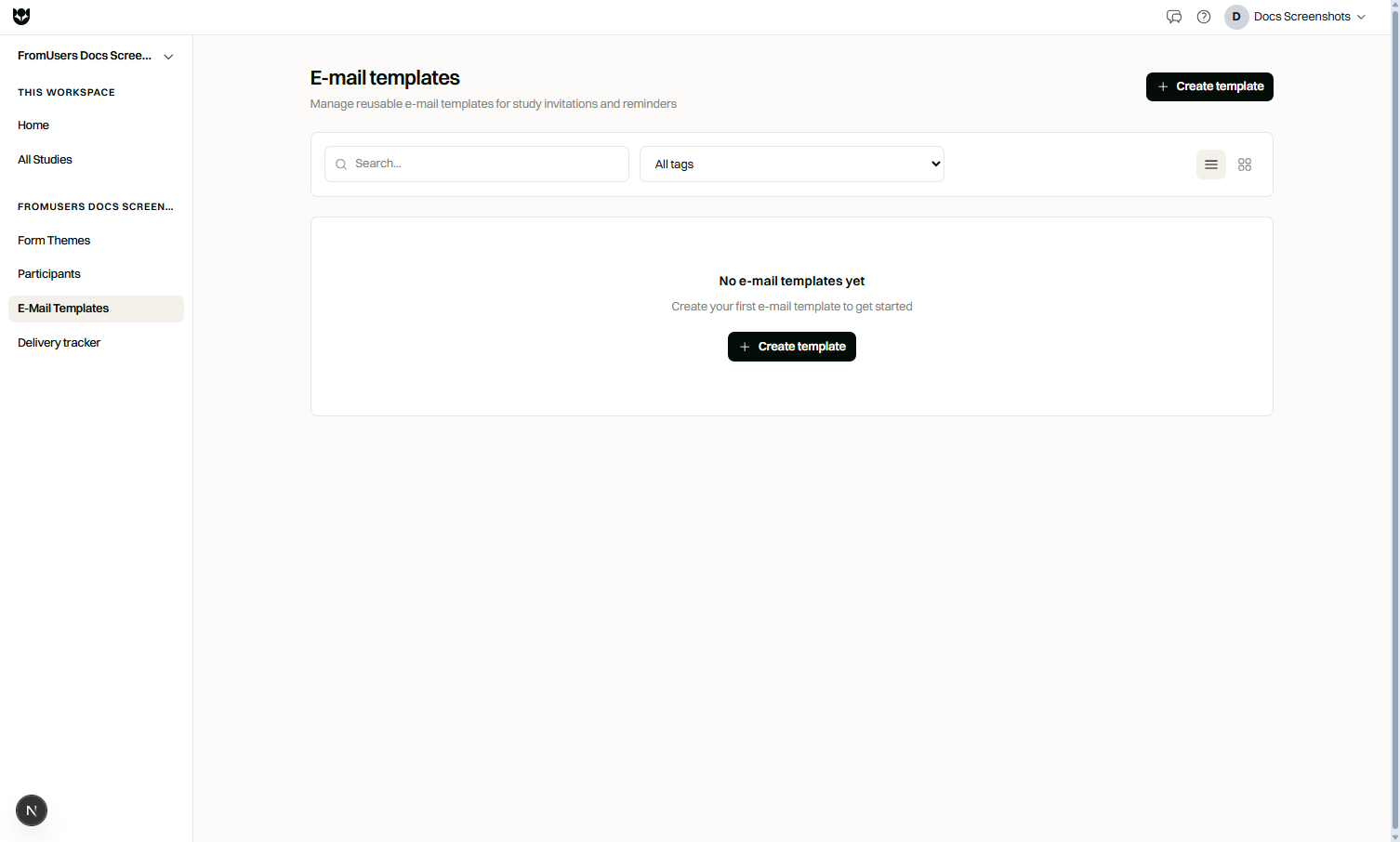
Email templates are reusable messages for recruiting and following up with participants. Build the content once, then use it in sendouts.
Plan requirements
Section titled “Plan requirements”Email templates require Pro.
Template types (plain English)
Section titled “Template types (plain English)”| Type | Use it for |
|---|---|
| Invitation | First invite to take the study |
| Reminder | Follow-up for people who have not completed |
| General | Other study messages that are not a standard invite or reminder |
Variables
Section titled “Variables”Insert merge fields with {{variable}} syntax. Built-in variables commonly include:
| Variable | Meaning |
|---|---|
{{study_title}} | Study name |
{{study_link}} | Respond link for the recipient |
{{organization_name}} | Your organization name |
{{sender_name}} | Sender display name from your settings |
You can also use participant-oriented fields such as participant name when the sendout audience provides them, plus custom variables you define in the template editor.
How to create a template
Section titled “How to create a template”- Open Distribution, then Email templates.
- Create a template and choose invitation, reminder, or general.
- Write the subject, body, and optional sign-off.
- Insert variables where personalization is needed.
- Preview with sample values.
- Save and use the template in a sendout.
Writing tips
Section titled “Writing tips”- Put the study purpose and expected time commitment near the top.
- Keep the study link easy to find on mobile.
- Match language versions of templates to multilingual samples when you send by locale.
- Avoid translating
{{variable}}tokens.
Related
Section titled “Related”Common questions
Which template types can I create?
Invitation, reminder, and general templates cover first invites, follow-ups, and other study messages.
What variables can I insert?
Common variables include study title, study link, organization name, and sender name. You can also add custom variables and participant fields such as name when available.
Are email templates available on Coffee?
No. Email templates are a Pro distribution capability.