
Paste content with AI
Paste content with AI turns a typed or pasted question list into editable form items. FromUsers proposes question types and options so you can review them before they land in your draft.
When to use it
Section titled “When to use it”Use paste import when you already have a questionnaire in a doc, ticket, or email and want a fast first draft inside FromUsers. Use Create a draft with AI when you are starting from a research brief instead of an existing question list.
How to paste and import
Section titled “How to paste and import”- Open the study Form tab (or choose Import questions when creating a study).
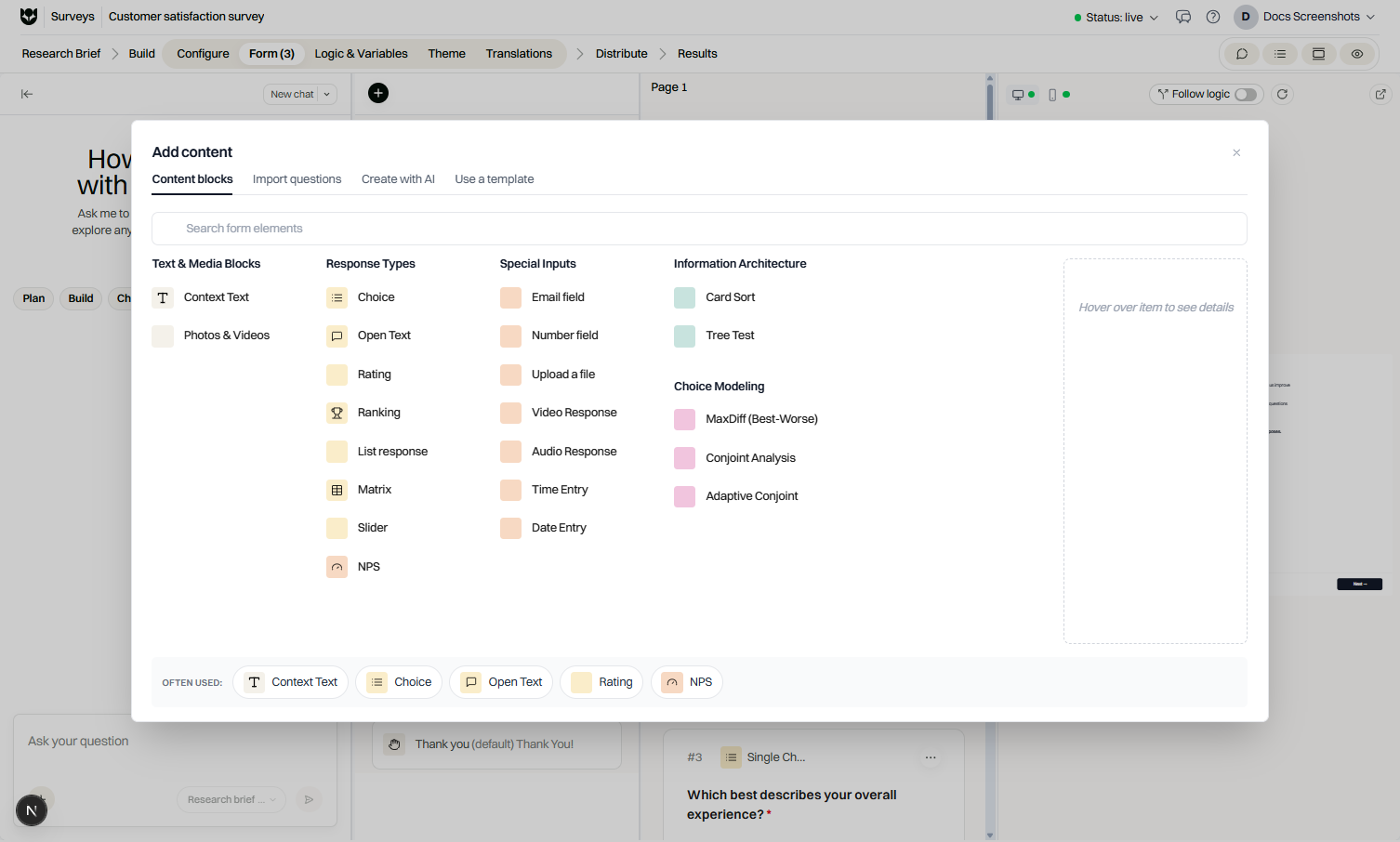
- Go to Add content → Import questions.
- Paste or type under Paste or type in your questions.
- Choose Add to existing draft or Replace existing questions.
- Select Import text and propose form items.
- Wait for Crafting Your Questions (this may take up to a minute).
- Review each card: type, options, and page breaks.
- Confirm to add or replace items in the form.
Numbered and bulleted lists import cleanly. Default behavior often inserts a page break after each item. Usability tests force breaks after interactive tasks.
What AI can propose
Section titled “What AI can propose”Depending on your paste, proposals may include choice, open text, NPS, matrix, tasks, and other supported types. Screener targets still only accept screener-allowed types (Choice, Rating, NPS).
Plan and access
Section titled “Plan and access”| Requirement | Detail |
|---|---|
| Plan | AI conversion is a Pro capability |
| Messaging | Upgrade copy explains that converting pasted text into form items is available on Pro |
| Keys | Workspaces that bring their own AI key must have a working key configured |
Coffee users see the import entry locked or prompted to upgrade.
Limitations
Section titled “Limitations”- Review is mandatory; AI can mis-detect type or split options incorrectly.
- Study question caps can still block large imports.
- Pasting into screener pages cannot introduce disallowed interactive or advanced types.
- Paste clean lists (one question per line or numbered items) for better detection.
- Fix option spelling and Other options during review, not after dozens of pages exist.
- Run Preview after import to catch required fields and awkward page breaks.
Common questions
Is AI paste available on Coffee?
Converting pasted text into form items with AI type detection requires Pro (and AI access such as a connected key where your workspace uses bring-your-own-key).
Can I replace my existing draft questions?
Yes. After pasting, choose Add to existing draft or Replace existing questions before you confirm the import.
Does AI always pick the perfect question type?
AI proposes types such as choice, open text, NPS, matrix, or tasks. Review every card and fix types or options before confirming.